
When you integrate eWebinar with FOMOchat, the default chatbox in your webinars will be replaced with FOMOchat's AI-powered interactive chat experience. Attendees will see realistic Q&A conversations unfold alongside your presentation—with questions from simulated attendees and helpful answers from an AI support agent (clearly labeled as AI) —creating engaging social proof while educating viewers about your product.
Once the integration is set up, you'll be able to enable it under Preferences on the Chat tab when creating/editing your webinars.
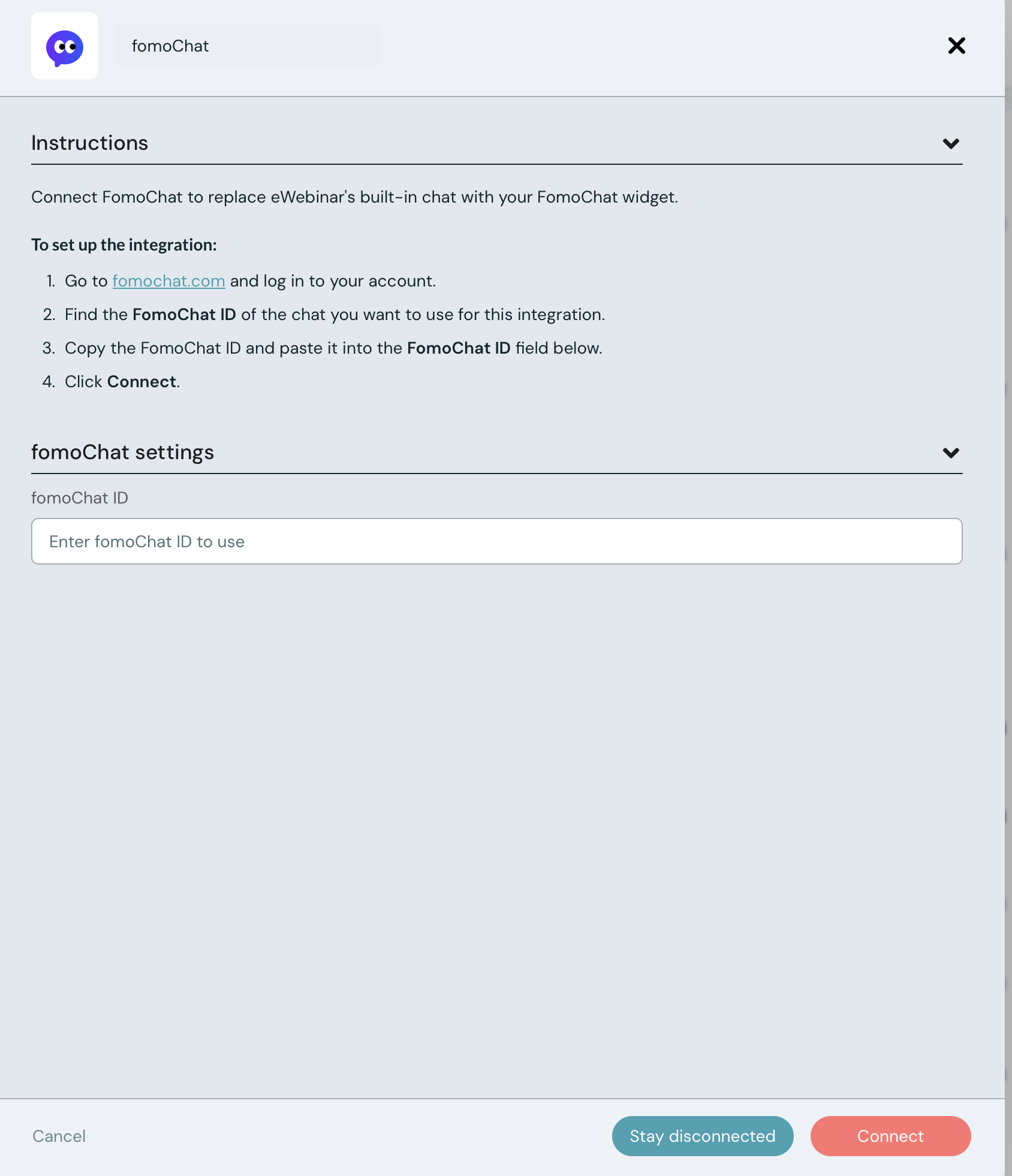
To set up the FOMOchat integration, log in to your eWebinar account (or sign up for a free trial) then click Integrations in the profile menu, click FOMOchat under Available integrations, and paste in the FOMOCHAT ID from FOMOchat.